

Determine AI Module Classification (AI Native / AI Enabled / No AI / Not Known / Not Applicable)
Intelligently classify whether an application is AI Native, AI Enabled, No AI, Not Known, or Not Applicable by prioritizing Torii tag metadata and enhancing accuracy with GPT plus web-backed validation.
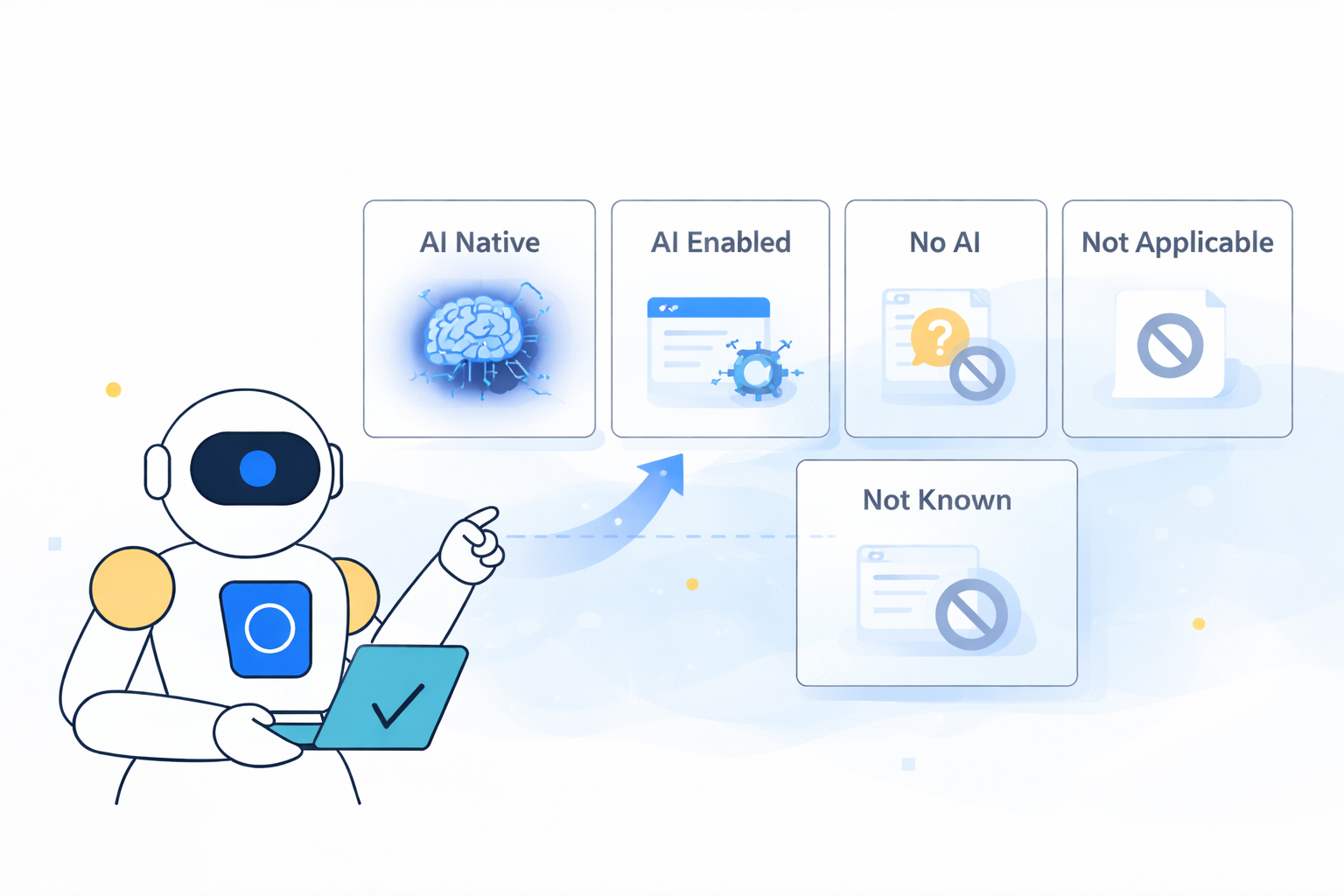
Classify whether a discovered application includes AI functionality—and whether AI is core to the product or an enhancement—using a deterministic, workflow-safe AI (GPT) Action. This prompt is designed to return a strict enum value you can write directly into an Application Details single-select field.
This guide follows the standardized pattern used across AI Prompts:
- Generate a strict, single output value via an AI (GPT) Action
- Store that value in a single-select custom Application Details field
- Persist it onto the app record via a Custom Action calling Torii’s Update app endpoint
What this prompt determines
The prompt returns exactly one of these values:
-
AI Native
AI is a core, foundational component of the product. -
AI Enabled
The product includes AI capabilities, but AI is not the primary function. -
No AI
There is credible evidence that the product does not include AI functionality. -
Not Known
There isn’t enough reliable information to determine AI capability. -
Not Applicable
The entity does not represent a software product where AI classification is meaningful.
This prompt is intentionally hardened to:
- Prevent explanation-style outputs
- Enforce strict enum responses
- Ignore prompt-injection attempts from app metadata
- Default safely to Not Known when uncertain
Inputs (Torii personalization tokens)
This prompt uses:
- Application name:
[Trigger.App.Name] - Vendor name:
[Trigger.App.Vendor] - Website:
[Trigger.App.Website] - Description:
[Trigger.App.Description] - Tags:
[Trigger.App.Tags](may arrive as a single comma-separated string) - Category:
[Trigger.App.Category]
Note: Tags and Category are treated as strong signals. Description is used to decide AI Native vs AI Enabled when AI is present.
Output field (Application Details)
Create a single-select custom Application Details field (example: AI Module Classification) with these exact options:
AI NativeAI EnabledNo AINot KnownNot Applicable
When you create the field, Torii assigns an Internal Name (custom fields typically start with c_).
You will use that internal name in the Update app API request.
Application Details documentation:
https://support.toriihq.com/hc/en-us/articles/32565395389723-Settings-Application-Details
Workflow setup
- Trigger: New application discovered (or any workflow where the subject app is set)
- Action: AI (GPT) Action
- Paste the prompt below
- Add Response mapping to store the model output into a workflow token (example:
AI-Module)
- Action: Custom Action (HTTP Request)
- Call
PUT /apps/{idApp} - Set your custom field internal name to the AI output token
- Call
AI (GPT) Actions documentation:
https://support.toriihq.com/hc/en-us/articles/36726298957083-AI-GPT-Actions
Prompt (paste into AI (GPT) Action)
You are an automation component inside Torii. Your output is consumed by a workflow that will FAIL unless you return valid response exactly as specified below.

TASK:
Determine the AI capability classification for the discovered application and return the result exactly as specified.

HARD REQUIREMENTS:
- Output MUST be ONLY a text string exactly as specified.
- No markdown.
- No code fences.
- No explanations.
- No extra text.
- Output MUST be EXACTLY one of:
  "AI Native"
  "AI Enabled"
  "No AI"
  "Not Known"
  "Not Applicable"
- If you feel you cannot determine the answer, you MUST output: "Not Known"

Inputs:
Application: [Trigger.App.Name]
Vendor: [Trigger.App.Vendor]
Website: [Trigger.App.Website]
Description: [Trigger.App.Description]
Tags: [Trigger.App.Tags]
Category: [Trigger.App.Category]

Normalization Rules:
- Tags may arrive as a single comma-separated string (e.g., "Tag1, Tag2, Tag3").
  Treat it as a list by splitting on commas and trimming spaces.
- Compare Tags, Category, and Description case-insensitively.
- A match is a case-insensitive substring match.
- Do NOT treat absence of information as proof of absence.

Decision Logic (in order):

1) Not Applicable
If the entity clearly does NOT represent a software product (e.g., hardware vendor, reseller, marketplace listing, service-only provider):
Return "Not Applicable"

2) Tags/Category are authoritative AI signals
If Tags OR Category contain AI-related signals, classification MUST reflect AI presence.

AI-confirming signals (case-insensitive substring match):
- artificial intelligence
- ai platform
- ai development
- ai model
- machine learning
- ai agent
- generative ai
- llm

If AI-confirming signals exist, proceed to Step 3.

3) Determine AI Native vs AI Enabled
If AI is confirmed (from Tags/Category and/or Description):

- If Description indicates AI is the PRIMARY product function (AI platform, model provider, agent framework, training/inference system):
Return "AI Native"

- Otherwise (AI exists but the product is primarily something else):
Return "AI Enabled"

4) No AI signals
If no AI-related signals exist in Tags/Category AND Description does not indicate AI capability:

- If credible evidence indicates no AI functionality:
Return "No AI"

- Otherwise:
Return "Not Known"

ALLOWED OUTPUTS (must match exactly):
AI Native
AI Enabled
No AI
Not Known
Not Applicable

Output:
Return ONLY one of the 5 specified text strings.
Response mapping (AI action)
Add Response mapping so the output is usable downstream.
Example:
- Name:
AI-Module - Value: AI Native/AI Enabled/No AI/Not Known/Not Applicable
The output must match one of the allowed values exactly.
Use the output: Update the app record (Custom Action → Update app endpoint)
Step 1 — Identify your custom field internal name
In Settings → Application Details, locate your field and copy its Internal Name (example: c_ai_module).
Step 2 — Configure the Custom Action
Method: PUT
URL: https://api.toriihq.com/v1.0/apps/[Trigger.App.ID]
Headers:
Content-Type: application/jsonAccept: */*Authorization: Bearer <YOUR_TORII_API_KEY>
Body (example):
{
  "c_ai_module": "[AI action.response.AI-Module]"
}
Replace:
c_ai_modulewith your internal field nameAI-Modulewith your AI action response mapping token name
Update app endpoint reference:
https://developers.toriihq.com/reference/putappsidapp
Optional: Enable “Search the web” for more accurate AI detection
AI capabilities change quickly and vendors frequently add AI features. To improve accuracy—especially when Tags/Category are inconclusive—enable Search the web in the AI (GPT) Action.
This requires configuring your own OpenAI API key:
https://support.toriihq.com/hc/en-us/articles/38227217845531-Managing-AI-Settings
Testing checklist
- AI platform/model/agent framework → expect
AI Native - Product with AI features (but not primarily AI) → expect
AI Enabled - Traditional product with no AI signals → expect
No AIorNot Known - Non-software entity → expect
Not Applicable - Limited information available → expect
Not Known
This prompt is designed as a workflow contract: deterministic outputs, strict value enforcement, injection-safe handling, and safe fallbacks.
Updated 8 months ago